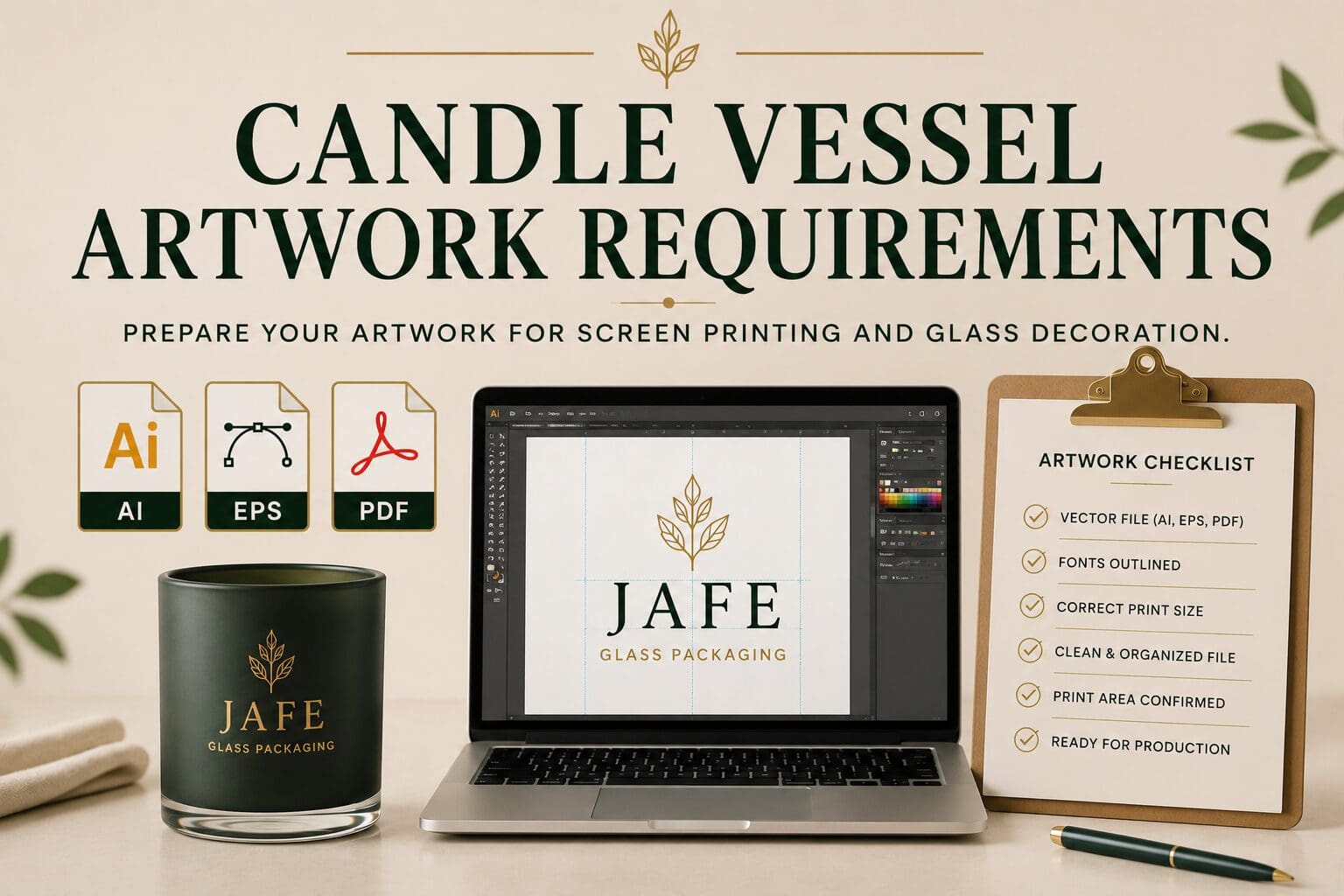
One of the fastest ways to keep a packaging project moving smoothly is to start with the right artwork files.
Whether you’re decorating candle vessels, perfume bottles, spirits packaging, or cosmetic containers, artwork preparation plays a critical role in the production process.
Providing production-ready files helps reduce revisions, avoid delays, and ensure your design is reproduced accurately during decoration.
This guide explains the artwork requirements commonly used for screen printing and glass decoration projects, including accepted file formats, artwork best practices, and common mistakes to avoid.
Why Artwork Preparation Matters
Before decoration can begin, artwork must be reviewed and prepared for production.
Production-ready artwork helps ensure:
- Accurate logo reproduction
- Clean print quality
- Consistent sizing
- Faster approvals
- Smoother project timelines
When artwork files are incomplete or improperly formatted, additional preparation may be required before production can move forward.
Preferred Artwork File Formats
For screen printing projects, vector artwork is the preferred format.
Accepted file types typically include:
Adobe Illustrator (.AI)
One of the most common production-ready file formats.
Benefits include:
- Editable vector paths
- Accurate scaling
- Clean line reproduction
Encapsulated PostScript (.EPS)
A widely accepted vector format used throughout the packaging and printing industries.
Vector PDF (.PDF)
PDF files can often be used if they contain vector artwork rather than raster images.
File Formats That May Require Additional Preparation
These file types are commonly used online but are not typically considered production-ready.
JPG / JPEG
Often suitable for viewing purposes but generally not ideal for screen creation.
PNG
Commonly used for websites and social media graphics.
GIF
Designed primarily for digital use rather than manufacturing.
These file types may require vector recreation before production can begin.
Convert All Fonts to Outlines
One of the most important artwork preparation steps is converting fonts to outlines.
When fonts remain live:
- Missing fonts can create errors
- Text may display incorrectly
- Artwork can change unexpectedly
Outlining fonts converts the text into vector shapes and helps preserve the intended design.
Provide Artwork at Actual Print Size When Possible
Providing artwork close to the intended print size can help simplify production planning.
Important information includes:
- Desired print width
- Desired print height
- Placement preferences
- Orientation requirements
If exact dimensions are not known, approximate sizing guidance is still helpful during project review.
Keep Artwork Clean and Organized
Well-organized files help streamline the approval process.
Best practices include:
- Remove unused artwork
- Remove hidden objects
- Delete unnecessary layers
- Clearly label design elements
- Outline fonts before submission
Clean files help reduce confusion and speed up production preparation.
Use High-Contrast Artwork
Screen printing performs best when artwork contains clear, well-defined elements.
Examples include:
- Logos
- Brand marks
- Product names
- Decorative line art
Artwork with extremely fine details may require additional review to determine production suitability.
Understand Print Area Limitations
Every container has physical limitations that affect decoration.
Factors may include:
- Container shape
- Curvature
- Surface area
- Decoration location
Artwork should be designed with the intended print area in mind.
During project review, artwork may be adjusted to accommodate container-specific requirements.
Common Artwork Mistakes
Submitting a Low-Resolution Logo
Small website images often appear acceptable on a screen but are not suitable for production.
Using Screenshots
Screenshots typically do not contain production-quality artwork data.
Forgetting to Outline Fonts
Missing fonts can create delays and unexpected changes.
Supplying Only PNG Files
PNG files are useful for digital applications but often require recreation for screen printing projects.
Including Unnecessary Artwork Elements
Extra objects and hidden layers can complicate file preparation.
What If I Don’t Have Vector Artwork?
You’re not alone.
Many brands only have:
- Website logos
- Social media graphics
- Marketing files
If vector artwork is unavailable, the artwork can often be reviewed to determine whether recreation or conversion is possible.
Identifying artwork issues early helps prevent delays later in the project.
Artwork Submission Checklist
Before sending artwork, confirm the following:
✓ File is AI, EPS, or vector PDF
✓ Fonts have been converted to outlines
✓ Artwork is clean and organized
✓ Desired print size is provided
✓ Placement information is included
✓ Unused elements have been removed
✓ Artwork has been reviewed internally
Completing these steps can help accelerate project approval and production planning.
Common Artwork Questions
What file format is required for screen printing?
Vector formats such as AI, EPS, and vector PDF are preferred.
Can I send a PNG file?
PNG files can be reviewed, but they are generally not considered production-ready for screen printing.
Why do fonts need to be outlined?
Outlining fonts prevents font substitution and helps preserve the intended design.
What if I only have a JPG logo?
The artwork can be reviewed to determine whether vector recreation or conversion is possible.
Do I need to provide print dimensions?
Providing approximate print dimensions and placement preferences helps improve the review process.
Building a Strong Foundation for Production
Artwork preparation is one of the most important steps in any decoration project.
Providing clean, production-ready files helps improve print quality, reduce revisions, and keep projects moving efficiently from approval through production.
Whether you’re decorating candle vessels, fragrance packaging, spirits bottles, or cosmetic containers, starting with the right artwork files helps create a smoother path to a successful finished product.