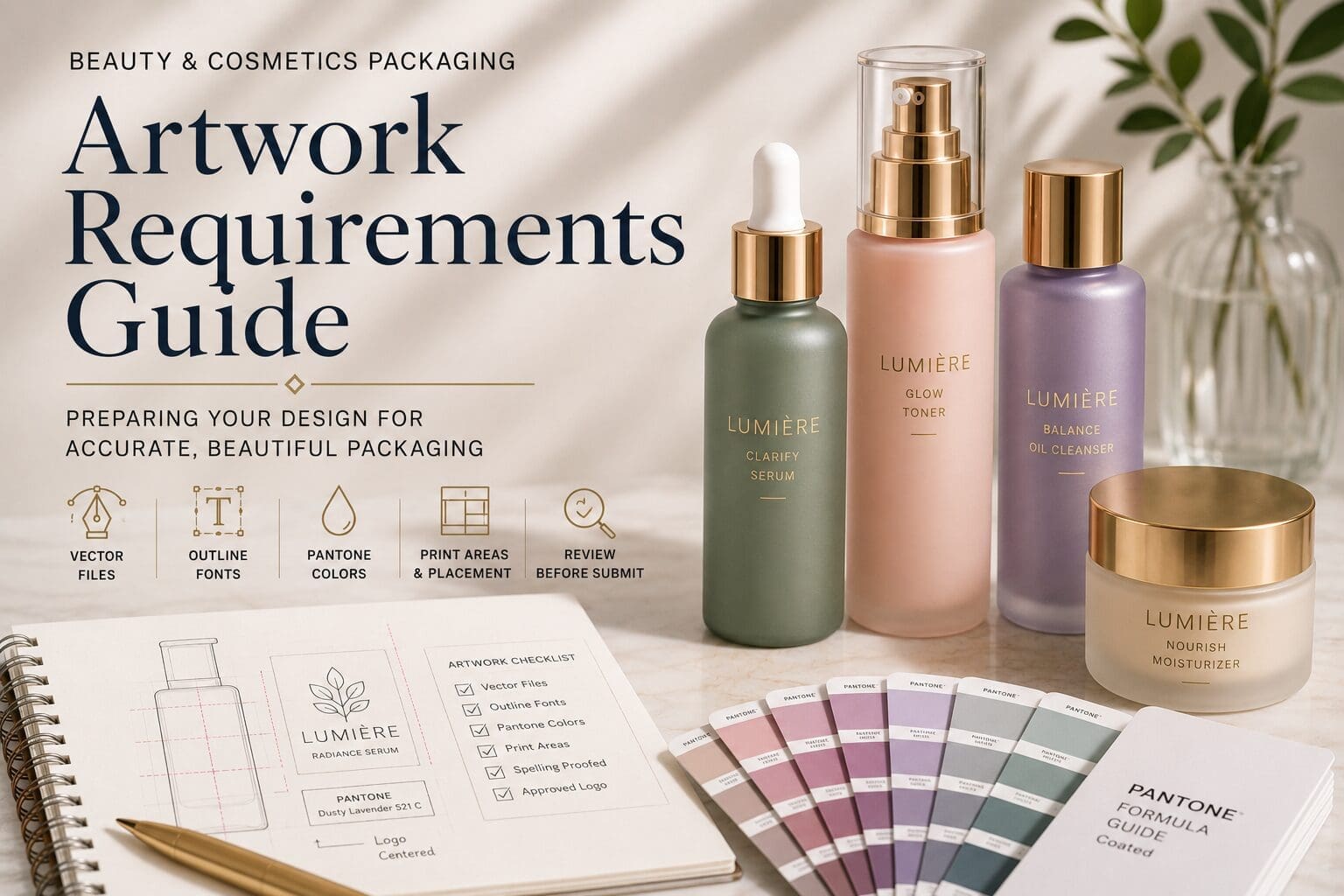
Beautiful packaging starts with well-prepared artwork.
Whether you’re launching a skincare collection, luxury cosmetic line, hair care brand, or personal care product, production-ready artwork helps ensure your packaging is reproduced accurately and consistently.
Taking time to organize your artwork before sampling can reduce revisions, improve communication, and keep your project moving efficiently.
This guide explains the artwork requirements commonly used for custom glass decoration and offers practical tips to help prepare your project for production.
Why Artwork Preparation Matters
Your artwork serves as the blueprint for your decorated package.
Every logo, product name, graphic, and line of text is reproduced from the files you provide.
Preparing artwork correctly helps ensure:
- Accurate reproduction
- Consistent branding
- Efficient project development
- Fewer revisions
- A smoother sampling process
Well-prepared artwork allows everyone involved in the project to work from the same visual reference.
Preferred File Types
Vector artwork is typically preferred for screen printing projects.
Recommended file formats include:
- Adobe Illustrator (.AI)
- Encapsulated PostScript (.EPS)
- Vector PDF
These file types allow artwork to be scaled without losing quality and provide the precision needed for custom decoration.
What Is Vector Artwork?
Vector artwork is built using mathematical paths rather than pixels.
Unlike JPG or PNG files, vector artwork remains crisp regardless of size.
This level of precision is especially important for:
- Small text
- Fine line work
- Logos
- Decorative graphics
Using vector files helps maintain consistency throughout production.
Can I Submit JPG or PNG Files?
JPG and PNG files are useful for reference but are generally not suitable for production.
Because these files are pixel-based, they often lose clarity when enlarged and may require recreation before decoration can begin.
Whenever possible, provide the original vector artwork created by your designer.
Outline Your Fonts
Before submitting artwork, convert all fonts to outlines.
Outlining fonts transforms text into vector shapes, ensuring your design appears exactly as intended.
This prevents font substitutions and eliminates compatibility issues during production.
Design With the Container in Mind
Glass containers are three-dimensional, and artwork should be designed with the shape of the package in mind.
When preparing artwork, consider:
- Curved surfaces
- Print areas
- Label-free decoration
- Viewing angles
- Product orientation
Artwork that looks balanced on a flat screen may require adjustments when applied to a curved container.
Keep Designs Clean and Readable
Simple, well-balanced artwork often creates the strongest visual impact.
As you prepare your files:
- Avoid extremely fine lines.
- Leave adequate spacing between design elements.
- Make small text easy to read.
- Reduce unnecessary detail where possible.
Clear artwork typically produces cleaner decoration results.
Plan for Multiple Print Colors
If your design includes multiple print colors, each color should be clearly identified.
When preparing artwork:
- Separate each print color.
- Label color specifications.
- Identify metallic or specialty inks if applicable.
Organized files help streamline the production process.
Review Before You Submit
Before sending your artwork, confirm the following:
- Vector files included
- Fonts outlined
- Logos approved
- Text proofread
- Colors identified
- Artwork sized appropriately
- Print areas reviewed
Completing this checklist helps reduce revisions and keeps your project moving forward.
Common Artwork Questions
What file format should I submit?
AI, EPS, and Vector PDF files are typically preferred for screen printing projects.
Can I use artwork created in Canva?
Depending on how the artwork is exported, additional editing or vector recreation may be required before production.
Why should fonts be outlined?
Outlining fonts preserves the appearance of your artwork and prevents unexpected font substitutions.
Can artwork be revised after sampling?
Changes may be possible, but revisions can affect project timelines and may require additional sampling depending on the scope of the update.
Should I include Pantone references?
Yes. If your brand has established color standards, providing Pantone references helps communicate your intended color direction.
Great Packaging Begins With Great Artwork
Every successful decoration project begins with production-ready artwork.
Providing clean vector files, reviewing your design carefully, and considering how artwork will appear on the finished container helps create a smoother development process from sampling through production.
A little preparation before submitting your artwork can save time, reduce revisions, and help ensure your finished packaging reflects your brand exactly as intended.